Doctor Schedules and Leave
Doctor Schedules
Appointments > Doctor Schedules holds the clinic hours of every doctor, one row for each day of the week they sit. The free times offered in Book Appointment come from here.
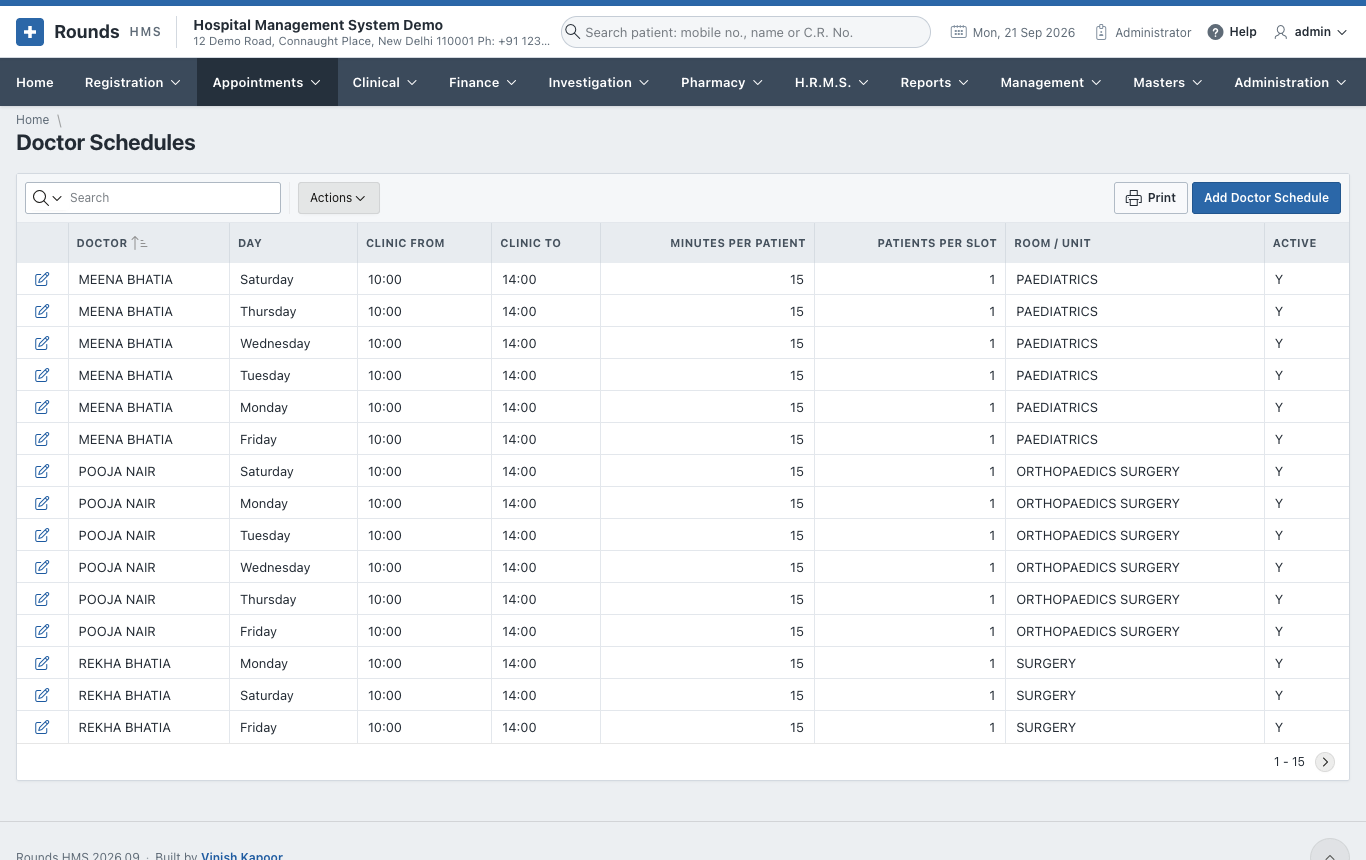
Click Add Doctor Schedule for a new row, or the pencil of a row to change it:
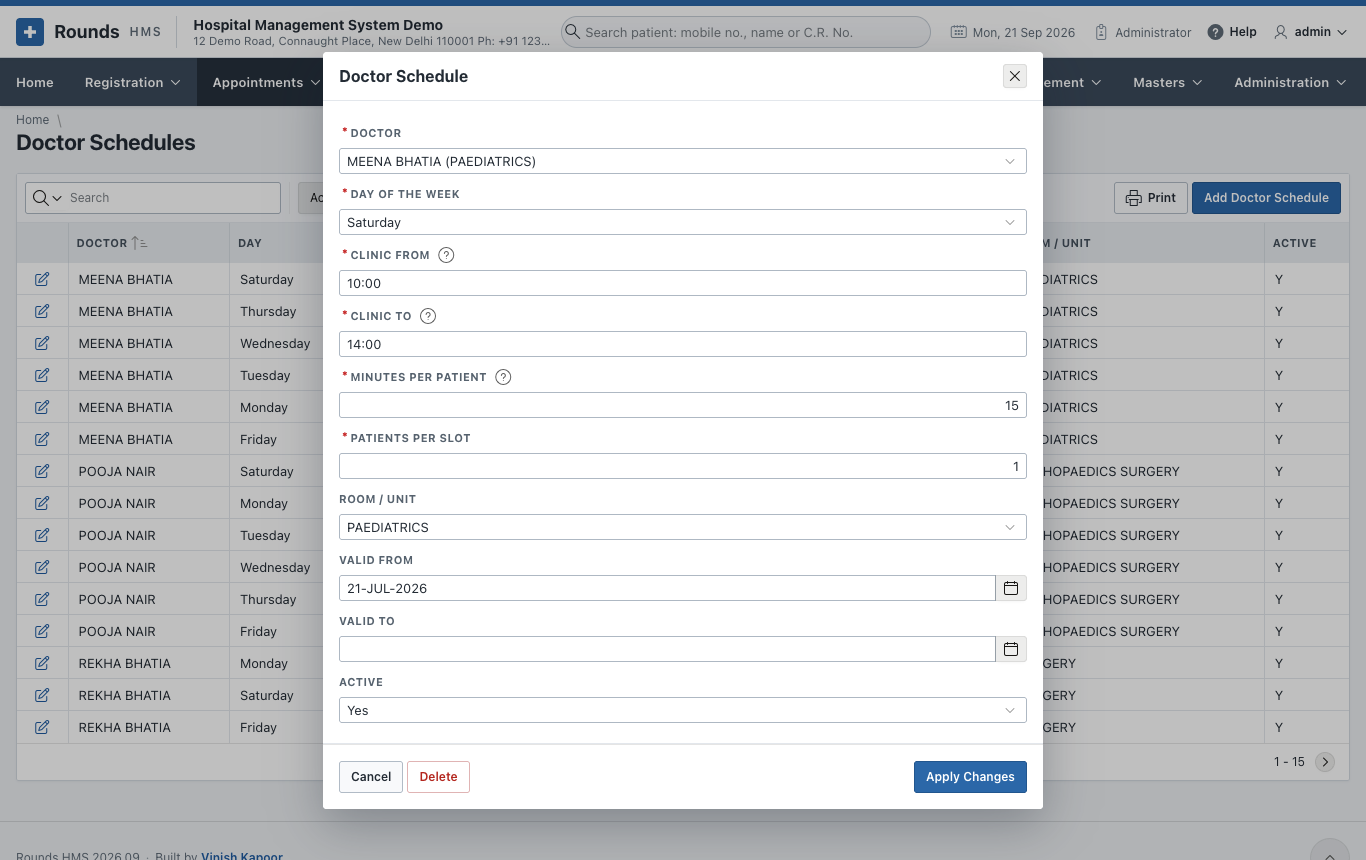
| Field | Meaning |
|---|---|
| Doctor | the doctor |
| Day of the Week | one day; add a row for each day the doctor sits |
| Clinic From / Clinic To | the hours, in 24-hour time, e.g. 09:30 and 17:00 |
| Minutes per Patient | the length of one appointment. Make it the whole clinic (e.g. 240 for four hours) to work with tokens instead of times. |
| Patients per Slot | how many patients may be booked at the same time |
| Room / Unit | where the doctor sits |
| Valid From / Valid To | the period this schedule applies; empty means always |
| Active | No stops the schedule without deleting it |
Click Create (new) or Apply Changes (changed). Delete removes the row.
Two clinics on the same day
A doctor who sits in the morning and again in the evening gets two rows for that day, e.g. 09:00 - 13:00 and 17:00 - 19:00.
Doctor Leave
Appointments > Doctor Leave records the days a doctor is away. No appointment can be booked with the doctor on those days, and the booking screen shows the reason.
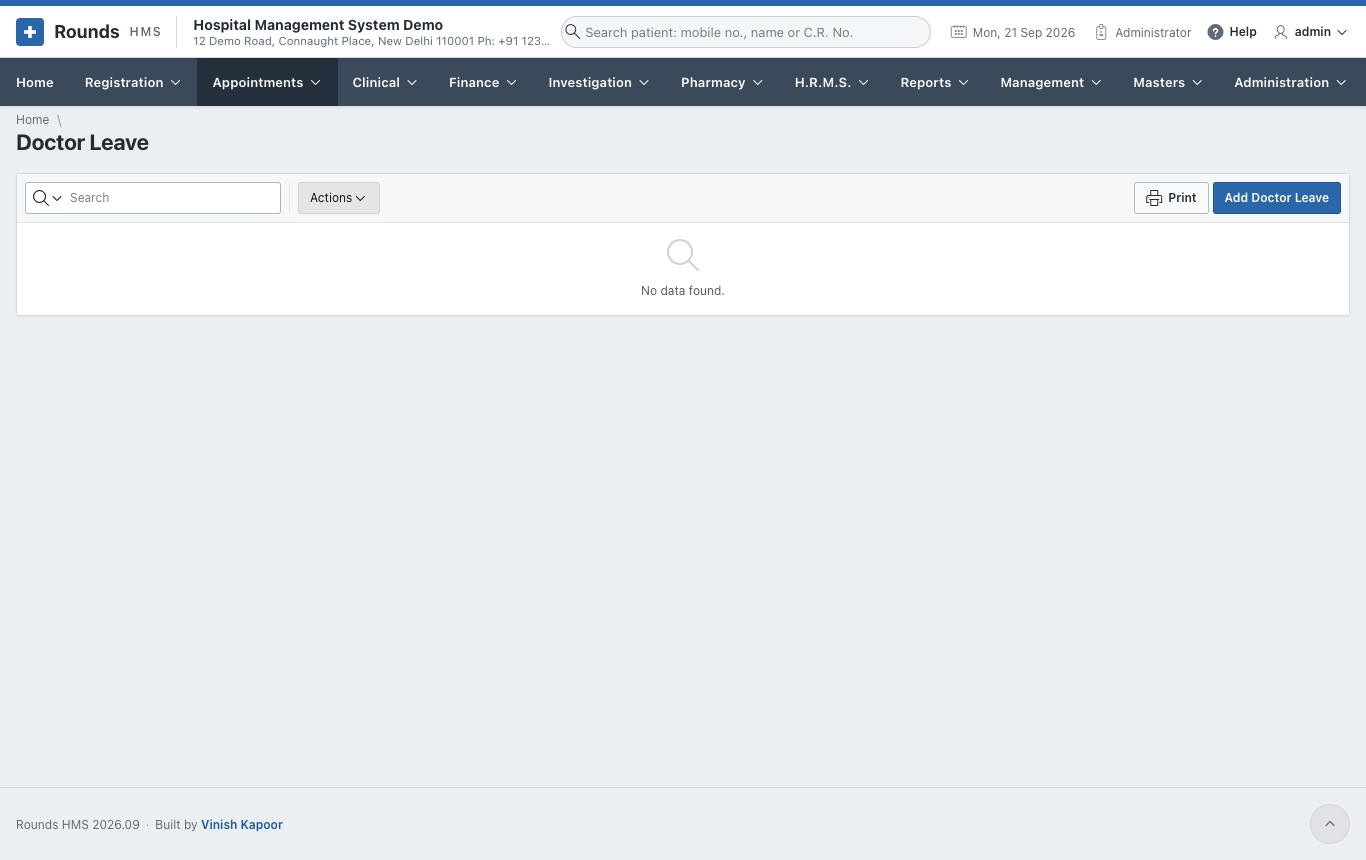
Click Add Doctor Leave:
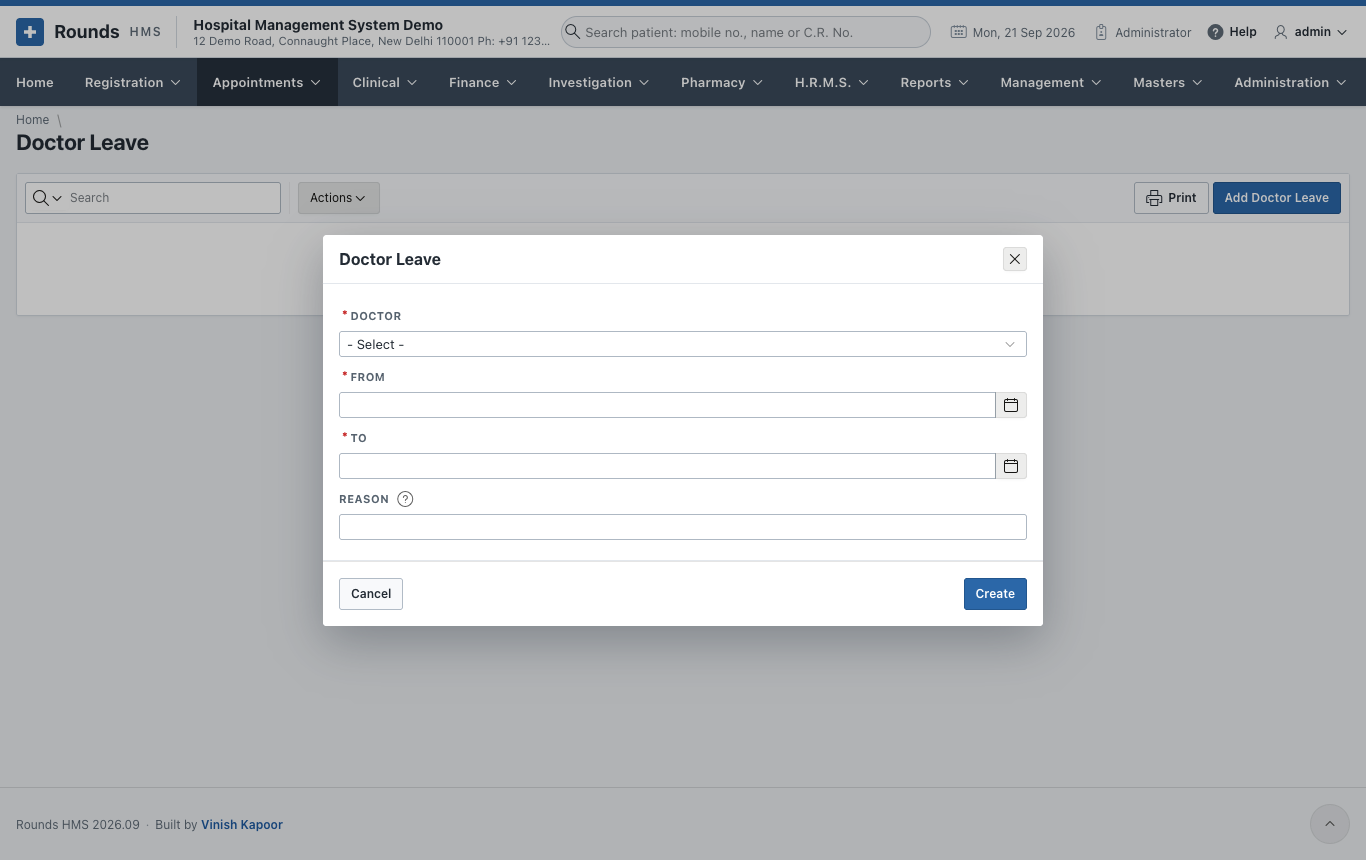
- Doctor.
- From and To: the first and last day of the leave.
- Reason: shown to the desk when that day is chosen, e.g. conference in Mumbai.
- Click Create.
Warning
Appointments already booked on those days are not cancelled on their own. Look at the diary of those days and Reschedule them.