Bills
Cash bills
A cash bill charges the patient for tests, X-rays, procedures and services from the tariff, and is paid on the spot.
Open Finance > New Cash Bill, or the New Cash Bill tile on the Home page.
-
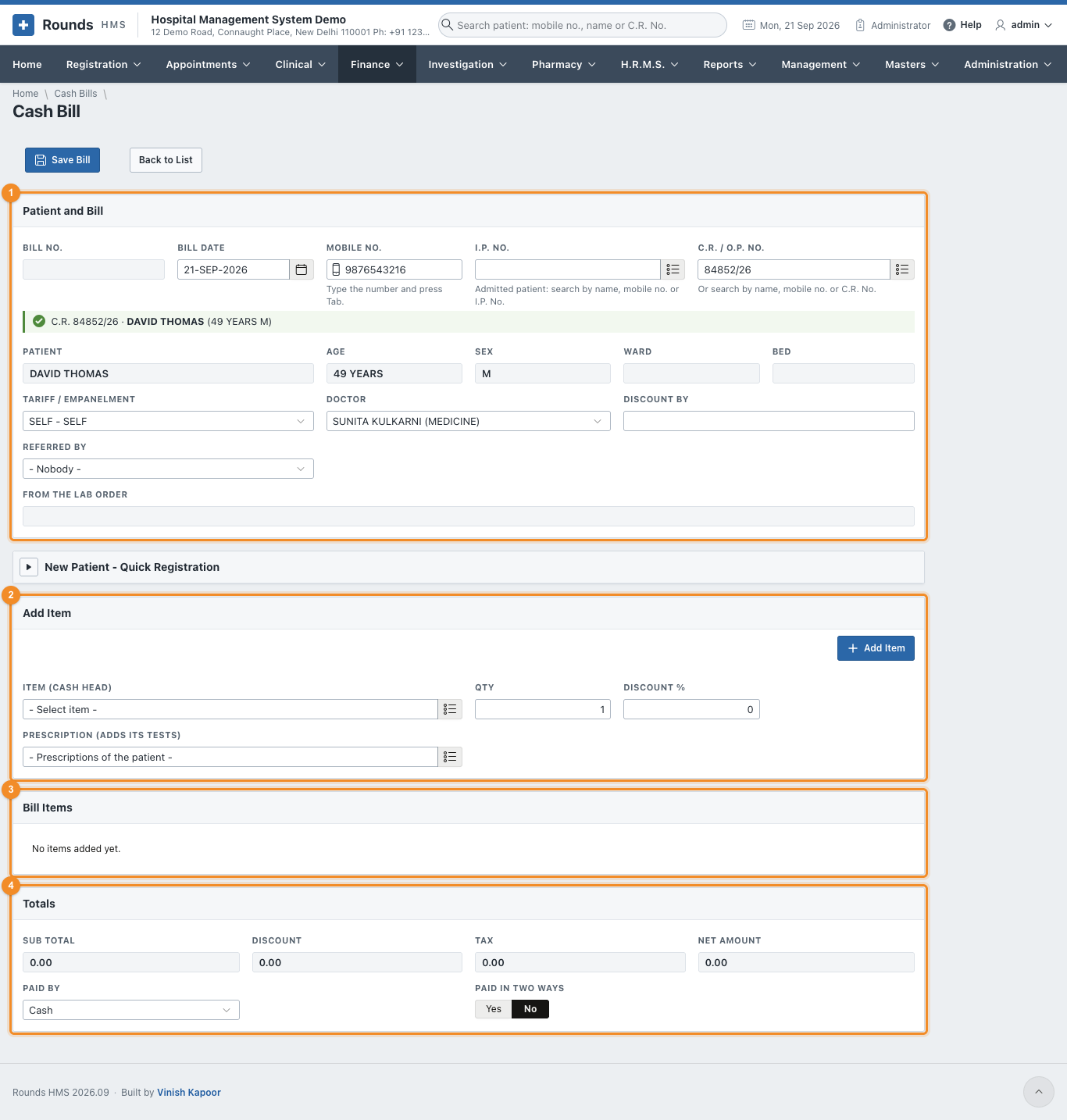
1 Patient and Bill:
- type the Mobile No. and press Tab, or search the C.R. / O.P. No. For an admitted patient, search the I.P. No. instead: the ward and bed fill in;
- Tariff / Empanelment: SELF, or the company whose rates apply;
- Doctor: filled in with the patient's doctor;
- Discount By: who allowed a discount, if any;
- Referred By: the clinic or doctor who sent the patient;
- From the Lab Order: filled in when the bill was opened from a lab order ("Bill the Tests"); its tests are already on the bill.
A patient who is not registered can be registered on the spot in New Patient - Quick Registration. 2. 2 Add Item: - choose the Item (Cash Head) from the tariff, e.g. COMPLETE BLOOD COUNT or CHEST X-RAY PA; - the Qty and a Discount % if any, then Add Item; - Prescription (adds its tests): choose one of the patient's prescriptions to add all the tests it asks for at once. 3. 3 Bill Items lists the lines. The bin icon removes a line. 4. 4 Totals shows the Sub Total, Discount, Tax and Net Amount. Choose Paid By as described in How a payment is recorded. 5. Click Save Bill, then Print. From the print window, WhatsApp sends the patient the bill amount.
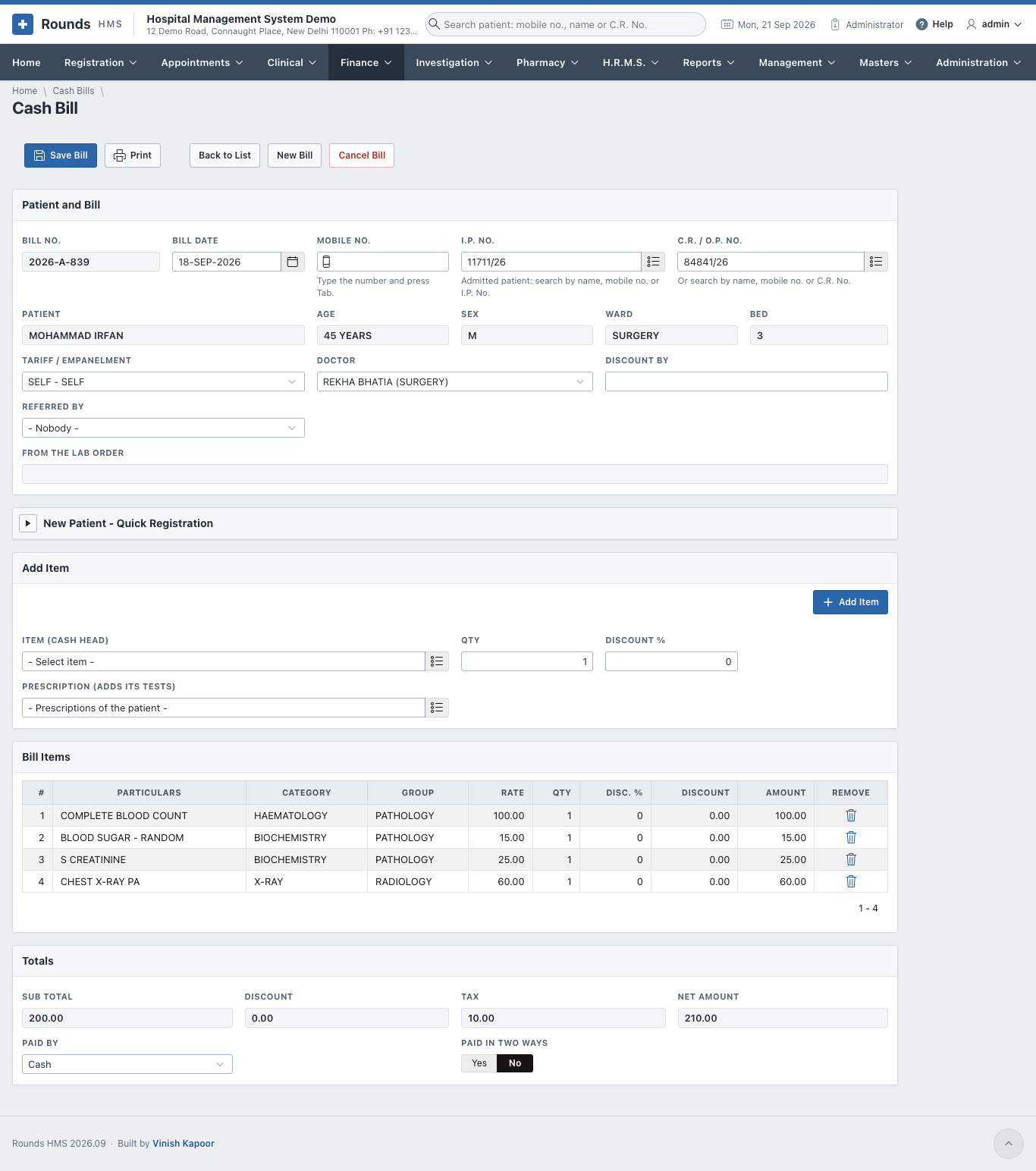
- A discount above the limit of your role is sent for approval (see Discount Approvals). The bill can be saved once it is approved.
- Cancel Bill (administrators only) cancels a wrong bill.
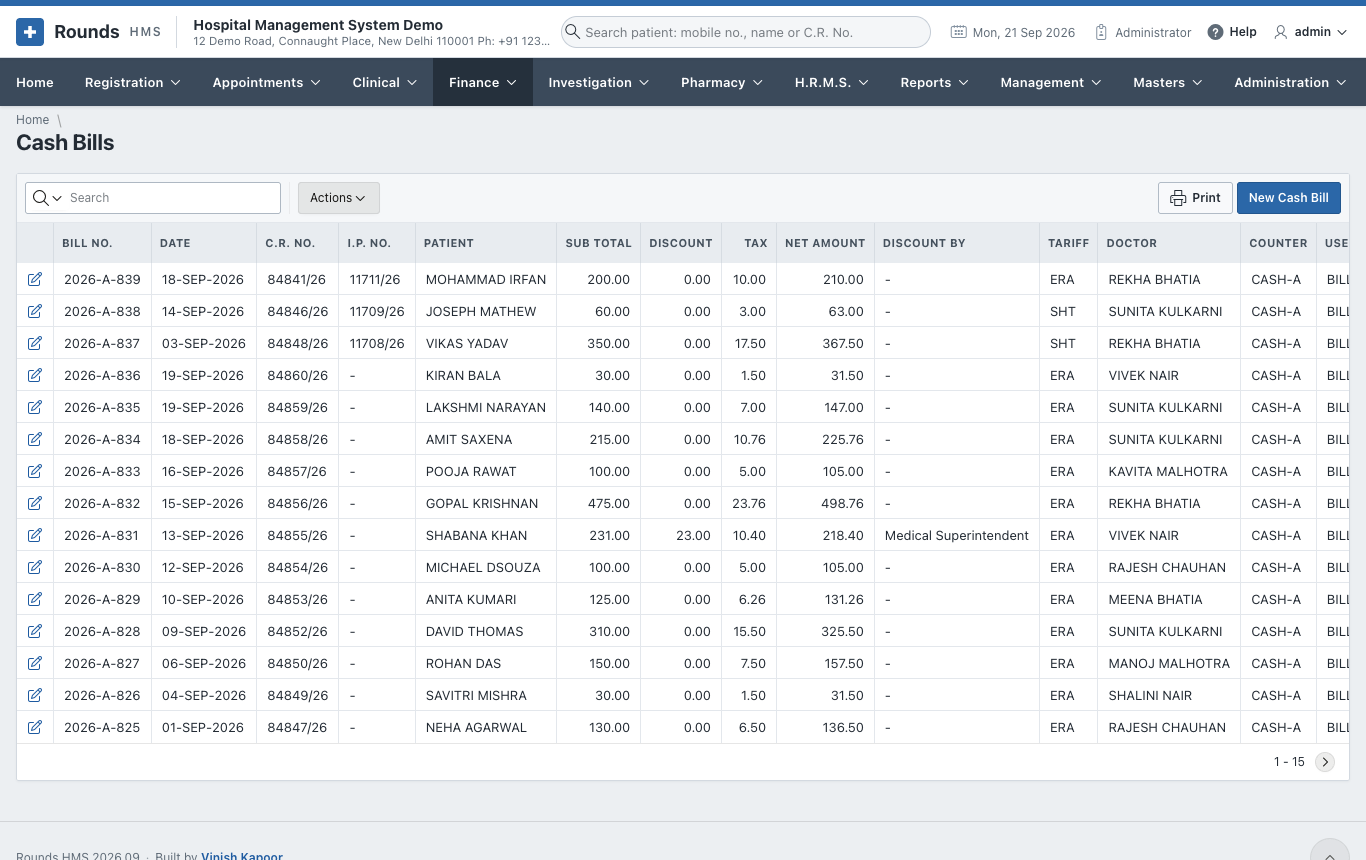
- Finance > Cash Bills lists the bills:
Credit bills
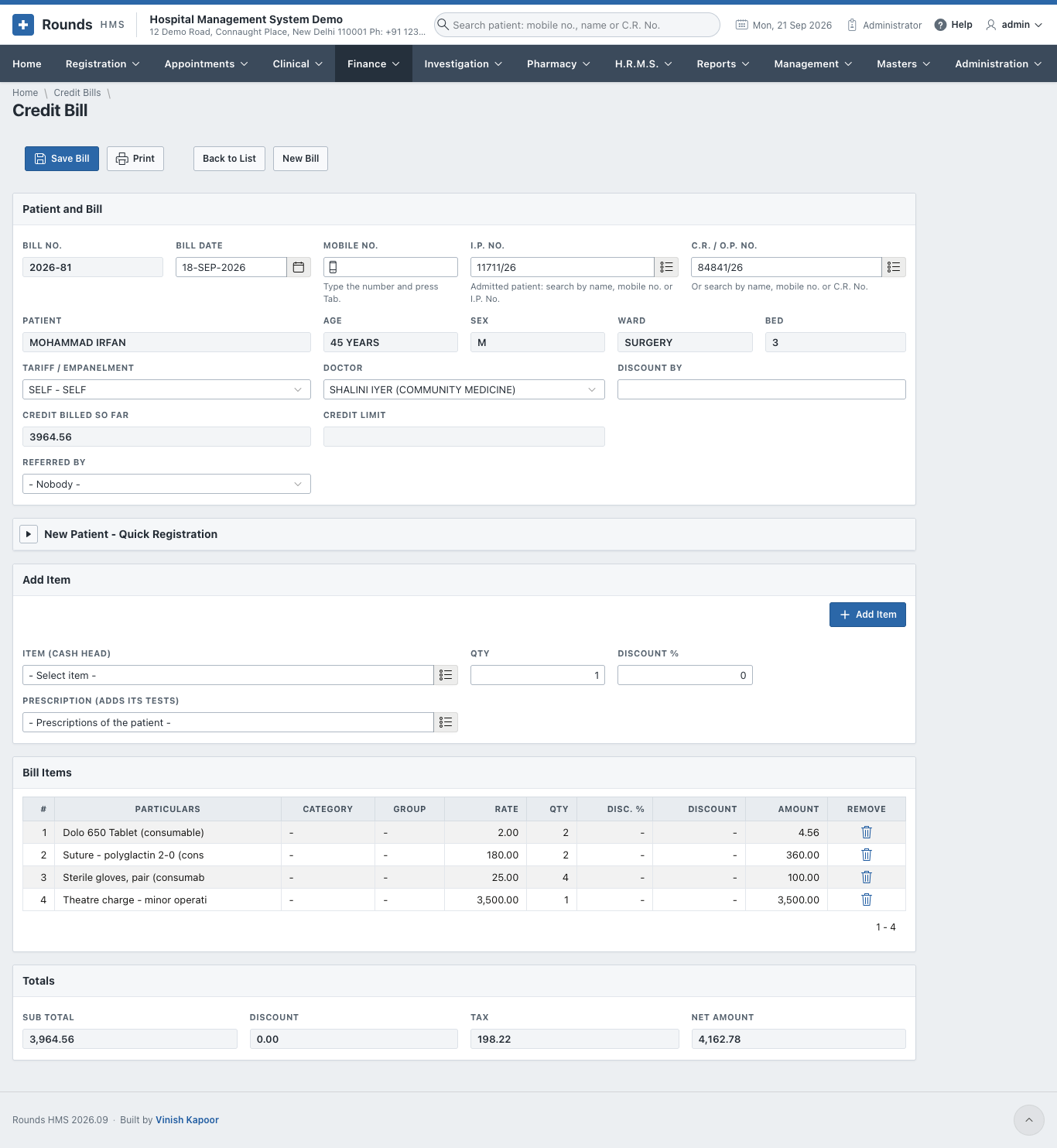
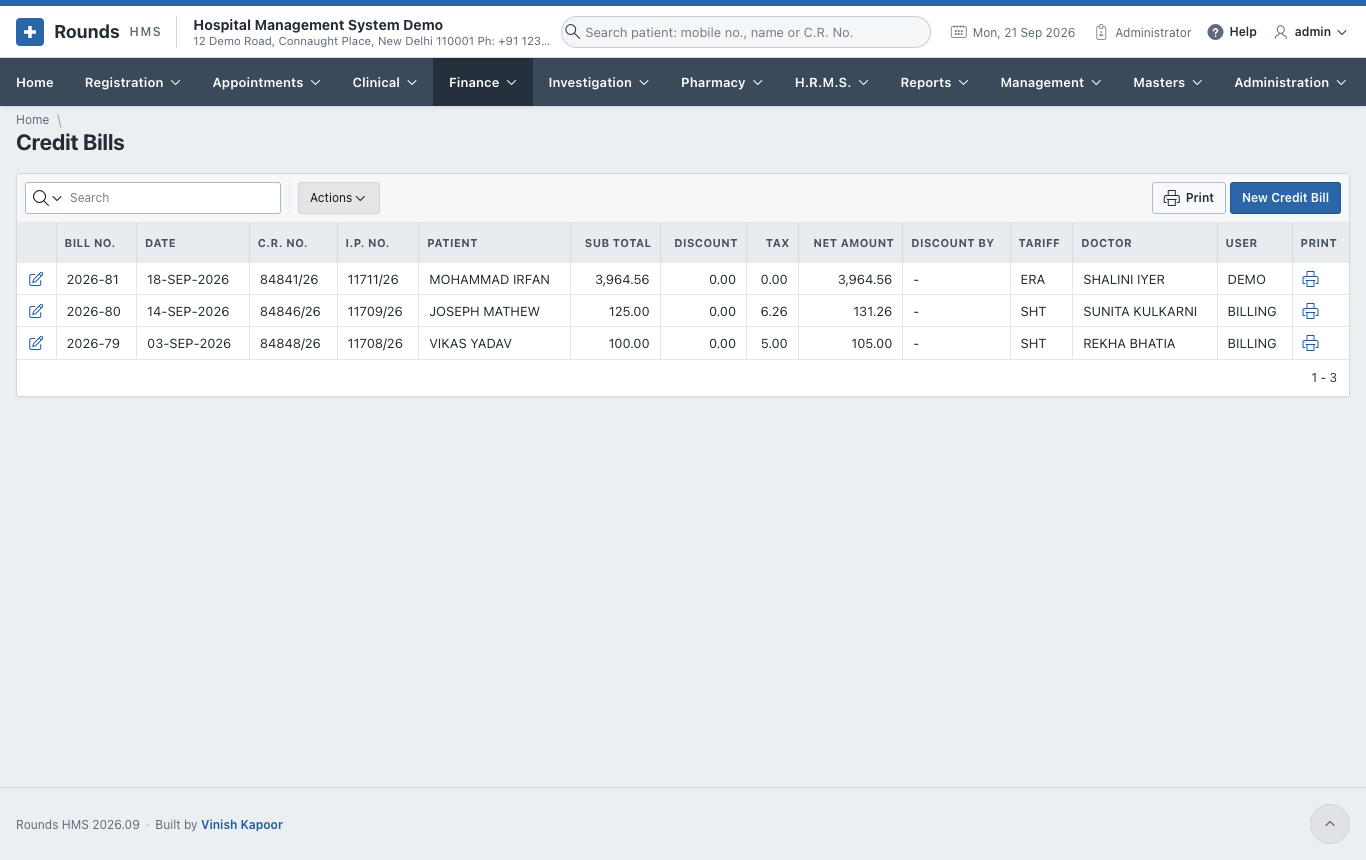
A credit bill is the same as a cash bill, but it is not paid now. It is charged to:
- an admitted patient's account, and settled in the I.P. final bill;
- or a company / TPA (the empanelment), and claimed from them.
Open Finance > New Credit Bill. Choose the patient (usually by I.P. No.), add the items as on a cash bill, and save. There is no payment on a credit bill.
Miscellaneous bills
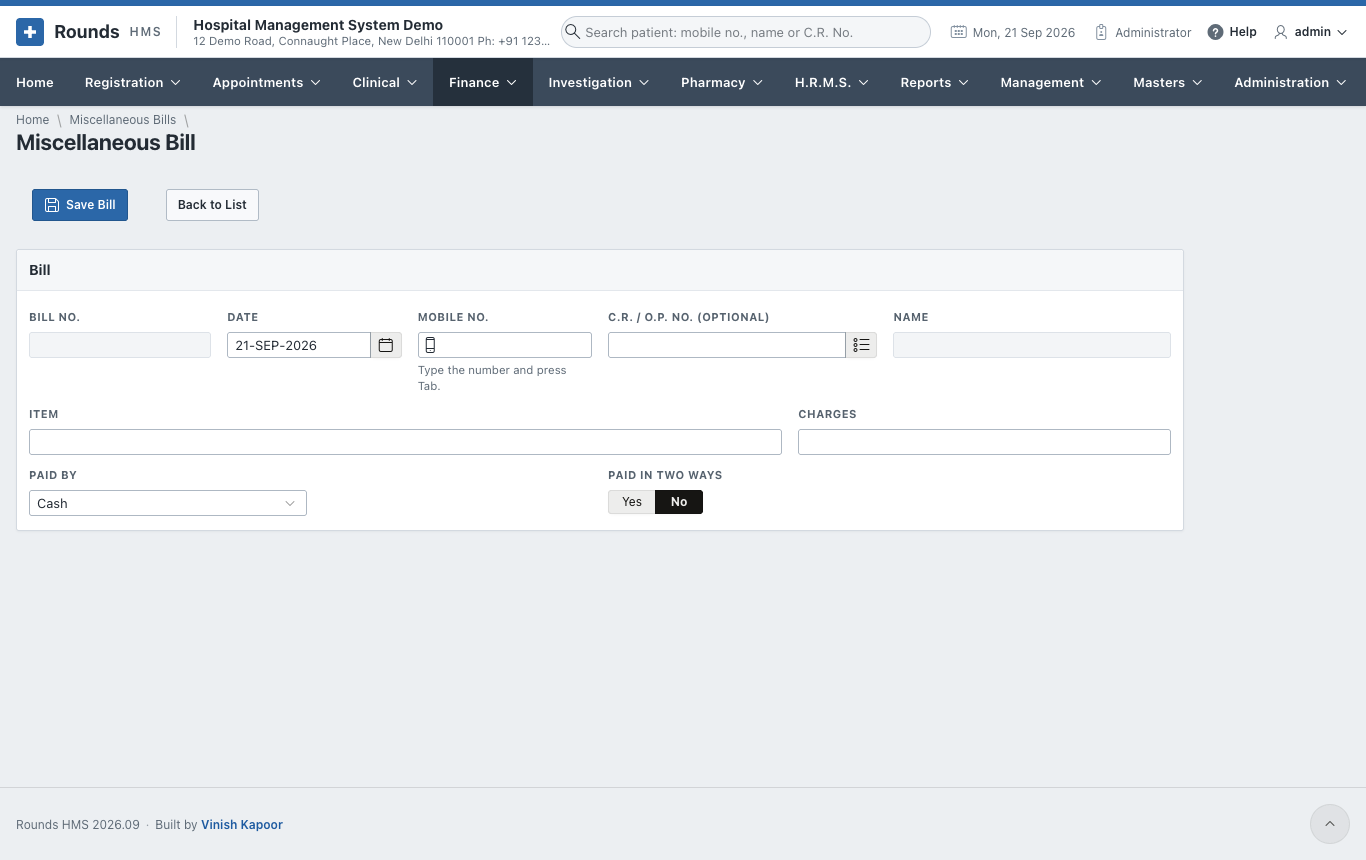
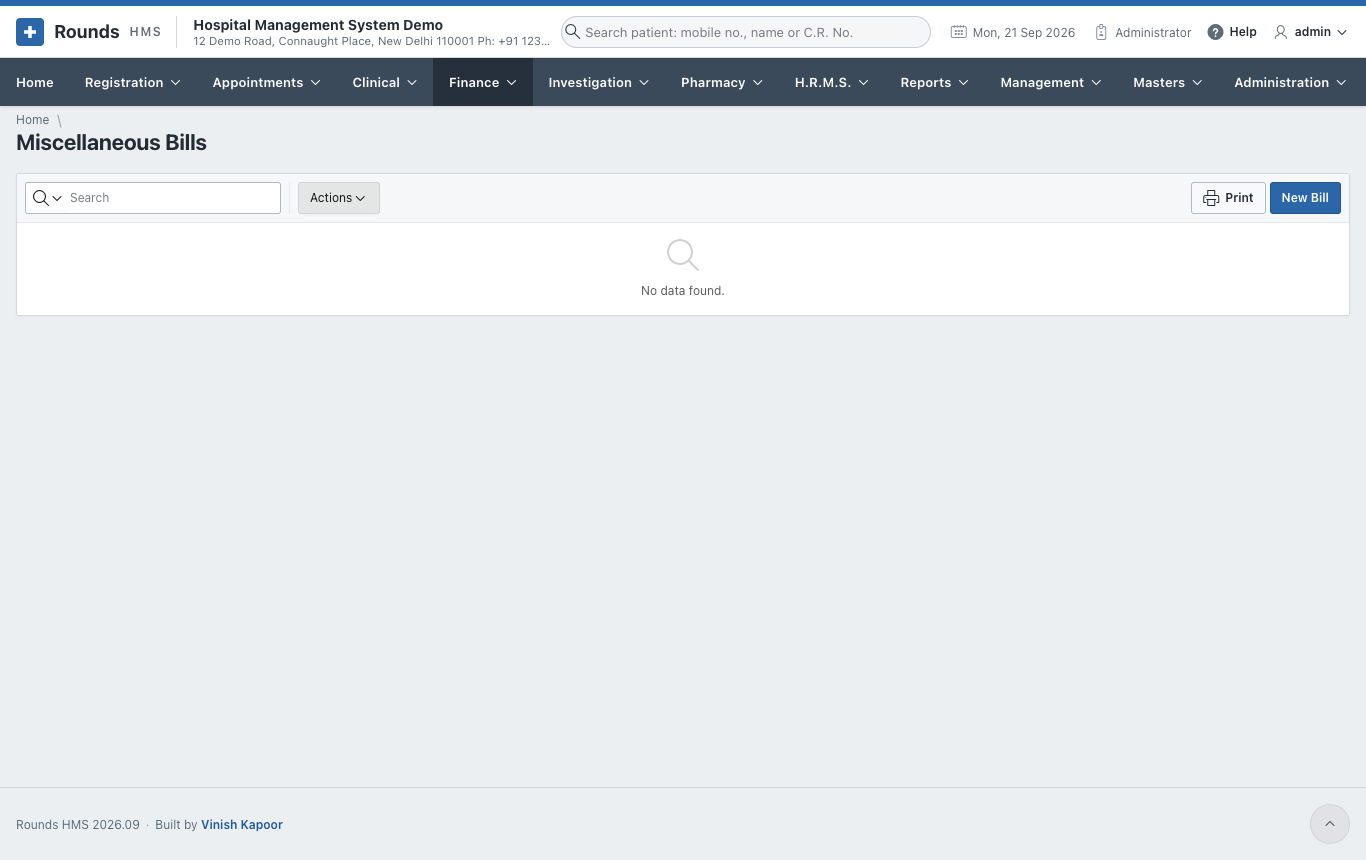
Finance > Miscellaneous Bills takes money for anything outside the tariff: a duplicate card, a certificate copy, a medical record fee. The patient's C.R. No. is optional.
- The Date, and the patient (Mobile No. or C.R. / O.P. No.) if there is one.
- Item: what the money is for, and the Charges.
- Paid By, then Save Bill and Print.
Refunds / Expenses
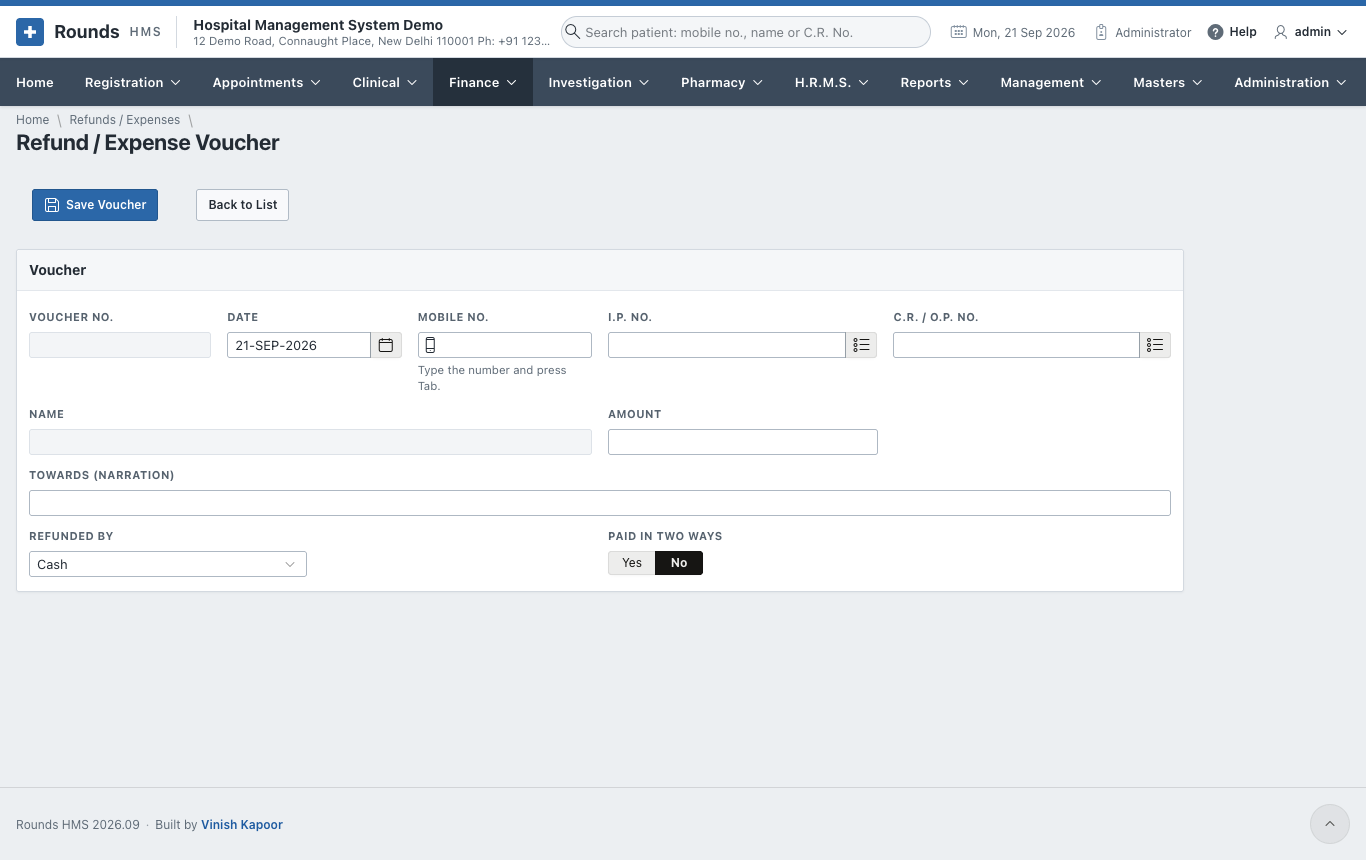
Finance > Refunds / Expenses records money going out: a refund to a patient (e.g. an unused advance), or a small expense paid from the counter.
- The Date, and the patient by Mobile No., I.P. No. or C.R. / O.P. No.
- Amount and Towards (narration): what the money was for.
- Refunded By: cash, UPI, bank transfer ... with the transaction ID.
- Save Voucher, then Print the voucher for the patient to sign.