Patient History
Registration > Patient History shows everything recorded about one patient, in date order: the registration, renewals, cash bills, medicine bills and more, with their numbers and amounts.
Open it from Find Patient with the History link, or open the menu option and choose the patient: type the Mobile No. and press Tab, or search the C.R. / O.P. No., then click Show History.
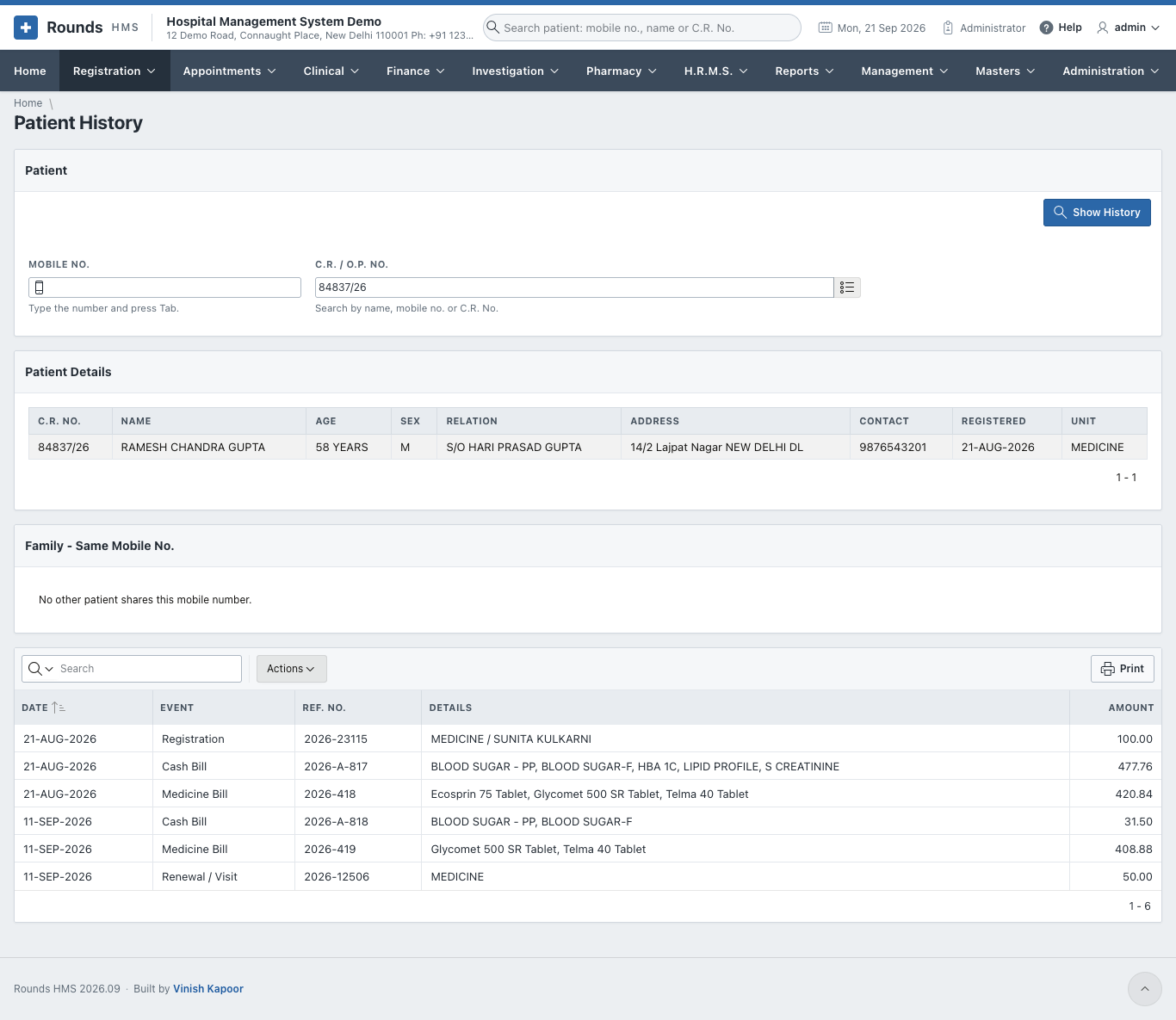
- Patient Details: the registration: name, age, relation, address, contact, date and unit.
- Family - Same Mobile No.: the other patients who share the mobile number.
- The list of events: Date, Event (registration, cash bill, medicine bill, renewal ...), Ref. No. (the bill or document number), Details (the unit and doctor, or the items of a bill) and Amount.
Use Actions to filter the events or download them, and Print to print the history.