Certificates
Discharge Certificates
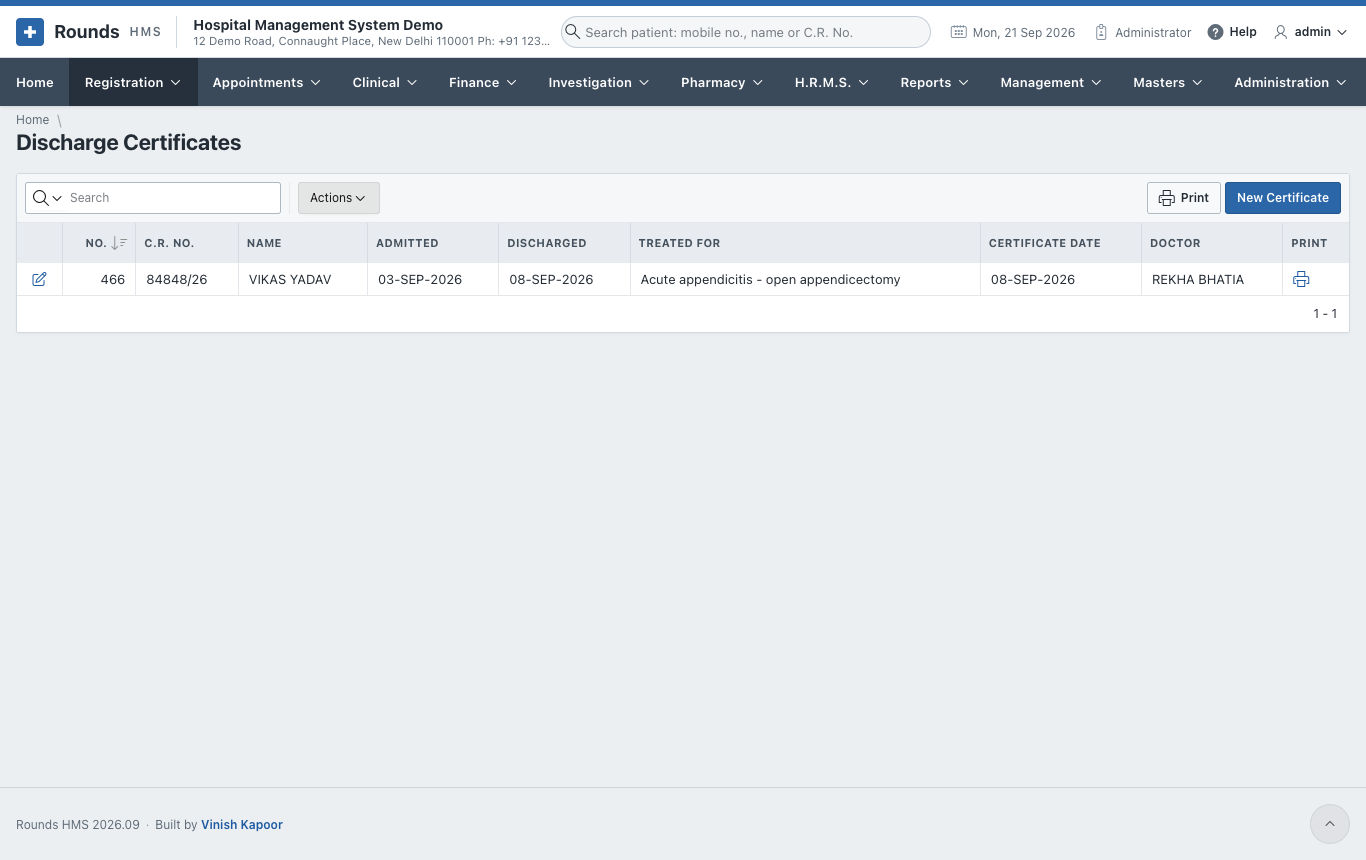
Registration > Discharge Certificates lists the discharge certificates issued. New Certificate opens an empty certificate, and the pencil of a row opens one to correct it.
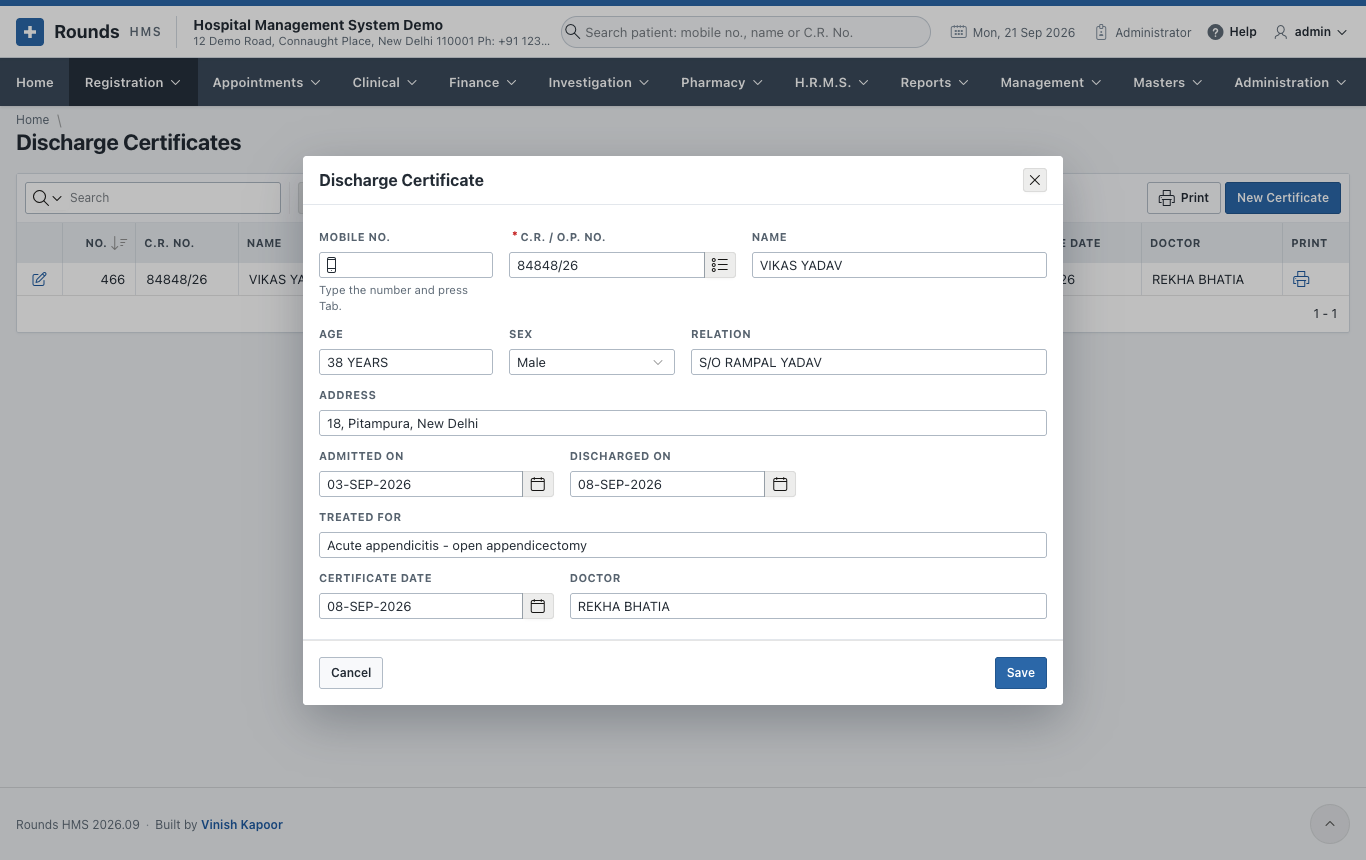
- Type the Mobile No. and press Tab, or search the C.R. / O.P. No. The patient's Name, Age, Sex, Relation and Address fill in.
- Admitted On and Discharged On.
- Treated For: the illness or operation.
- Certificate Date and Doctor.
- Click Save, then the print icon of the row in the list.
Medical Certificates
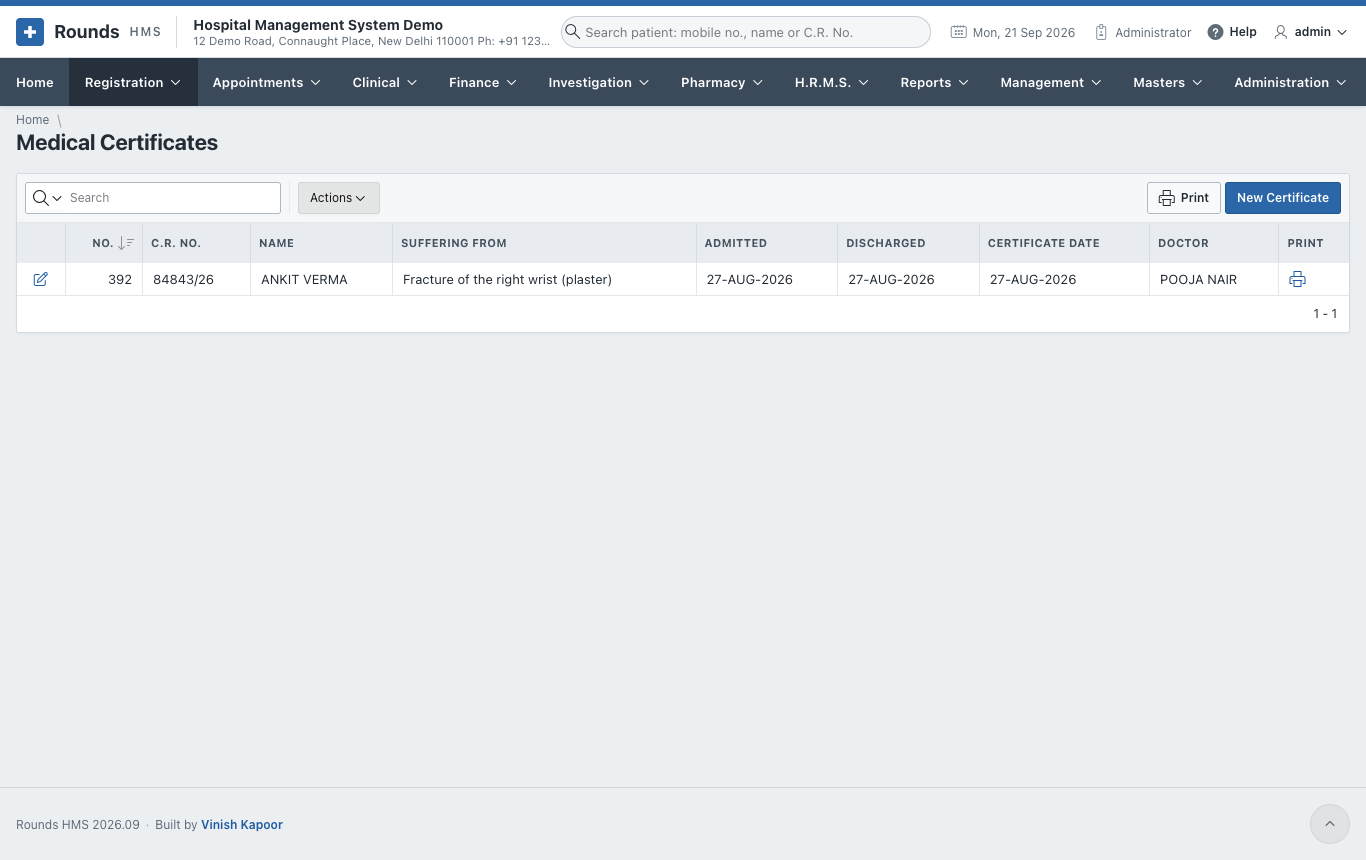
Registration > Medical Certificates issues the certificate of illness and fitness for duty, e.g. for an employer.
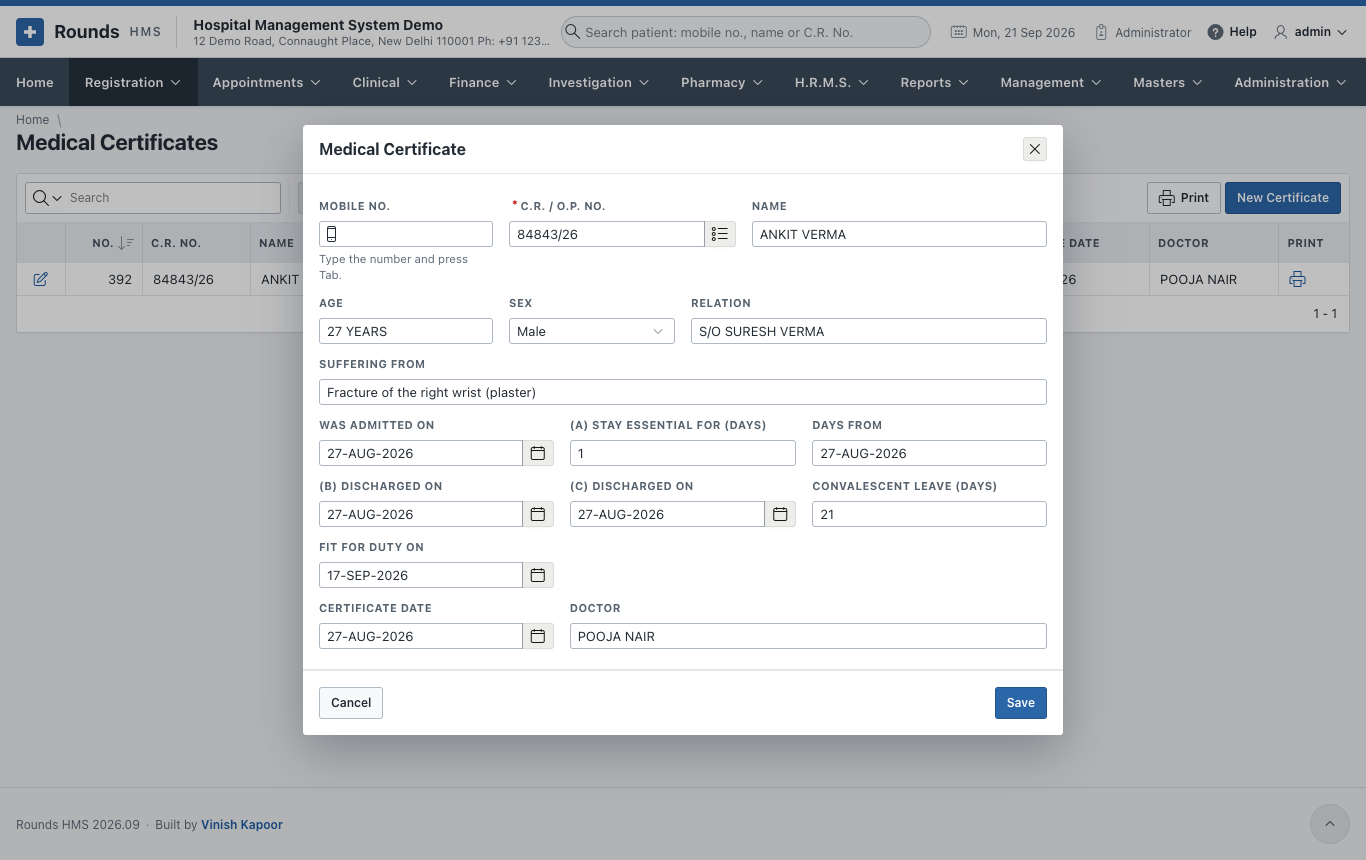
- Choose the patient as above.
- Suffering From: the illness.
- Was Admitted On, and the three parts of the certificate as needed:
- (a) the stay was essential for a number of days from a date;
- (b) and (c) the days of discharge;
- Convalescent leave (days): the rest advised after discharge.
- Fit for duty on: the day the patient may go back to work.
- Certificate Date and Doctor, then Save and print from the list.