Operations and Casualty
Operations
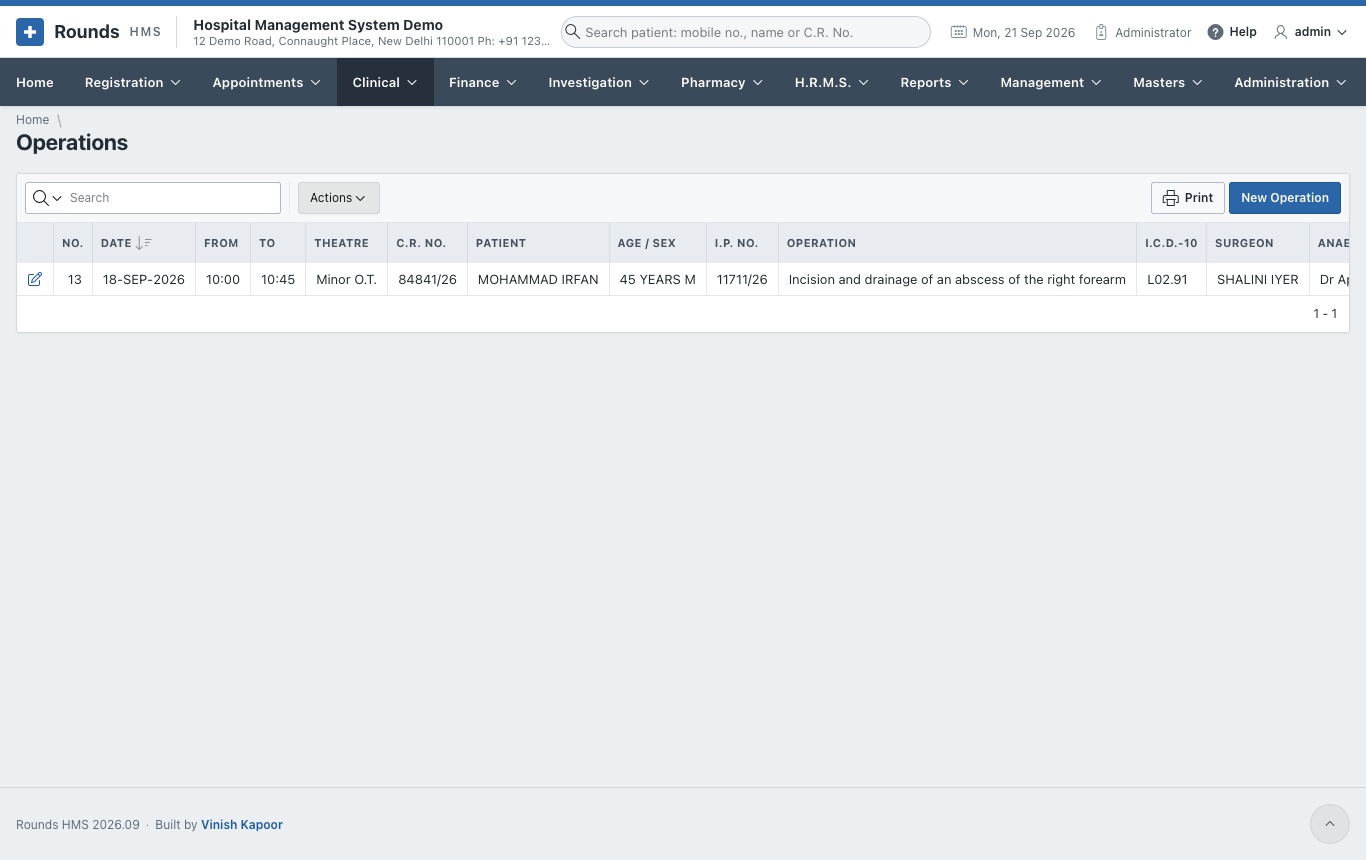
Clinical > Operations lists the operations; New Operation records one.
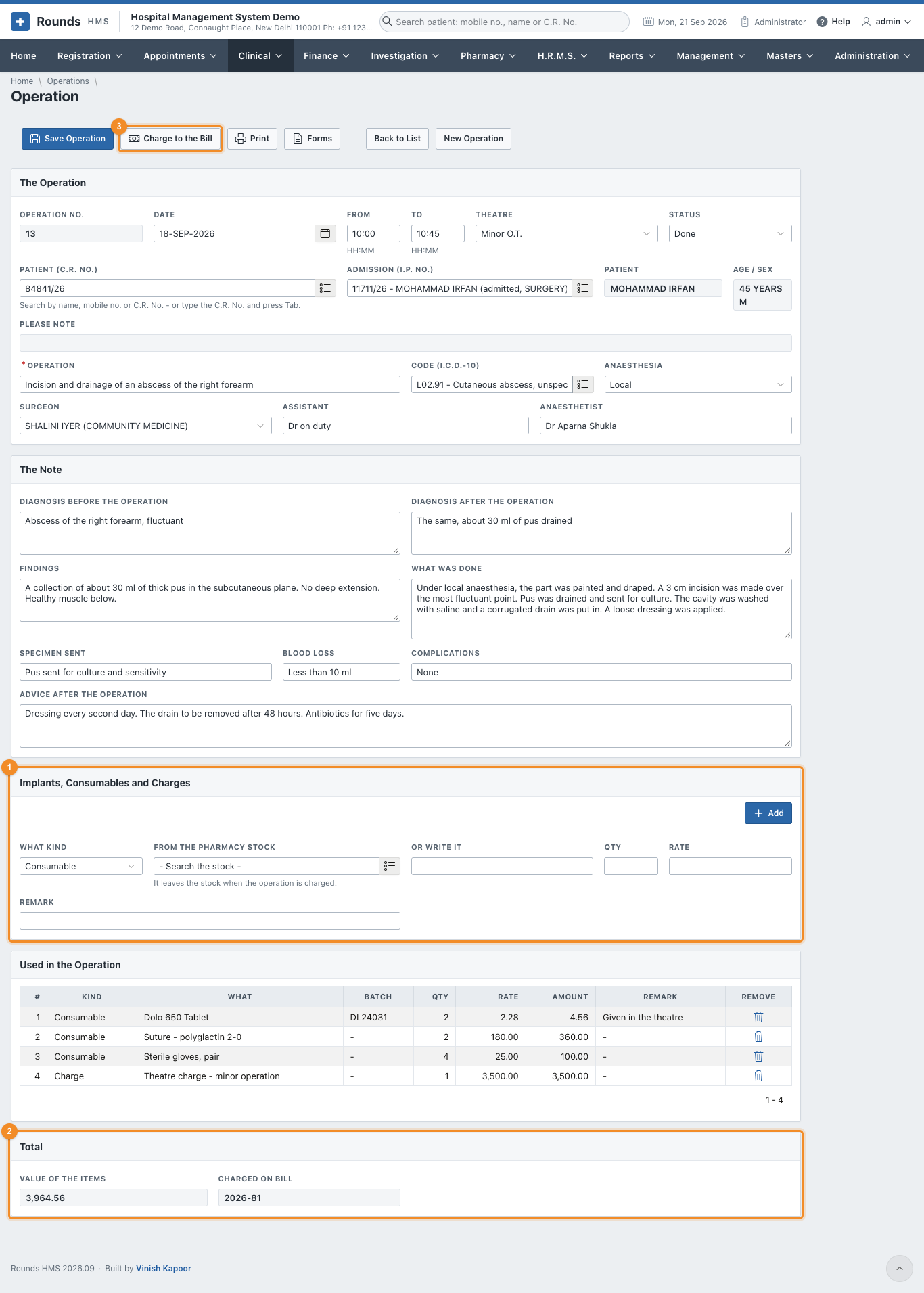
- The Operation:
- Date, From and To (HH:MM), Theatre and Status (planned, done, cancelled);
- the Patient (C.R. No.) and the Admission (I.P. No.);
- Operation and its I.C.D.-10 code, Anaesthesia, Surgeon, Assistant and Anaesthetist.
- The Note: the diagnosis before and after, the Findings, What Was Done, the Specimen Sent, Blood Loss, Complications and the Advice after the Operation.
- 1 Implants, Consumables and Charges, one line at a time:
- What Kind: an implant, a consumable or a charge;
- an item From the Pharmacy Stock (it leaves the stock when the operation is charged), or Or Write It;
- Qty, Rate and Remark, then Add.
- 2 Total shows the Value of the Items and the bill they were charged on.
- Click Save Operation.
- 3 Charge to the Bill puts the items on a credit bill of the admission and takes the pharmacy items out of the stock. Do this once the list is complete.
- Print prints the operation note; Forms prints the consent for the operation (Consents and Forms).
Casualty
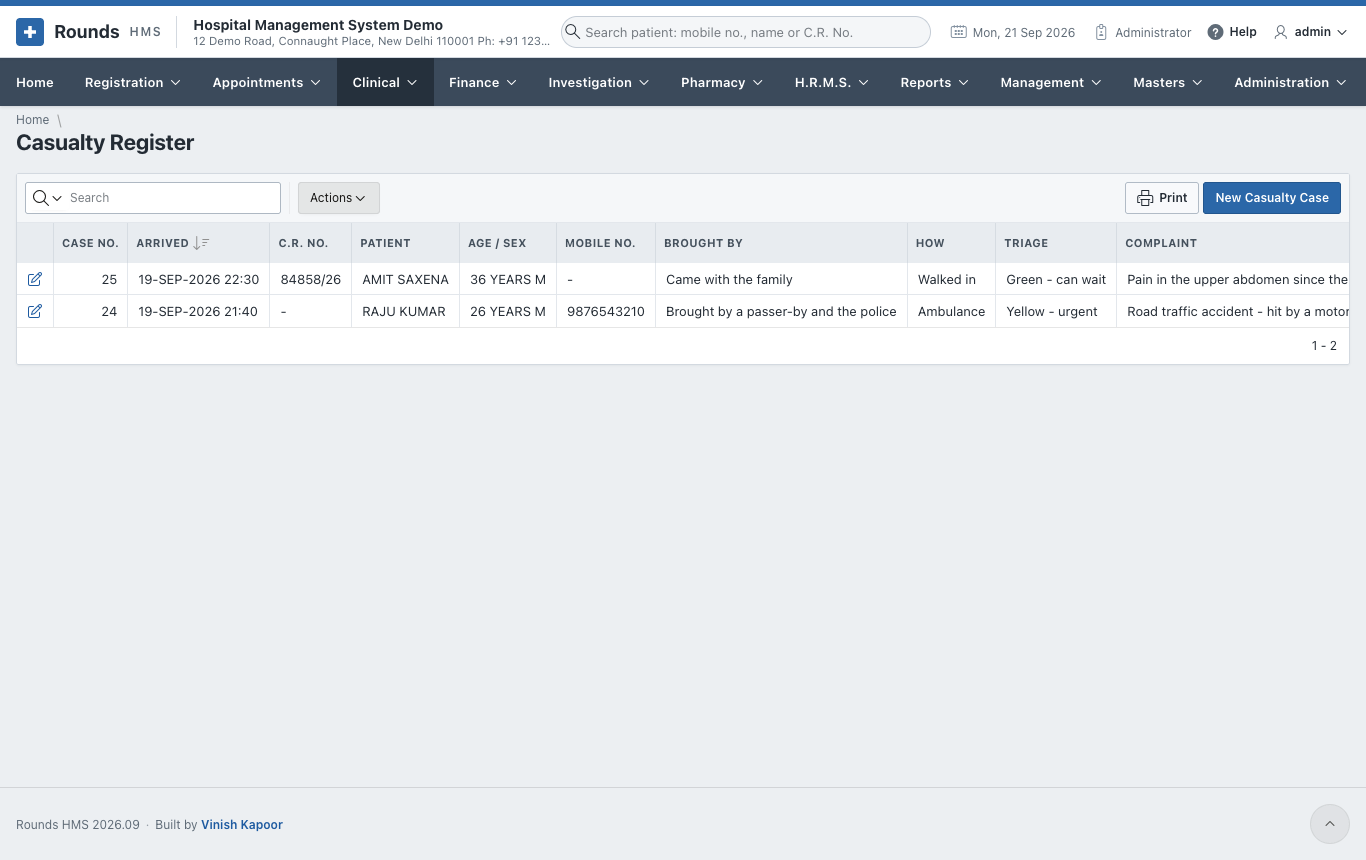
Clinical > Casualty Register lists every emergency case; New Casualty Case records one.
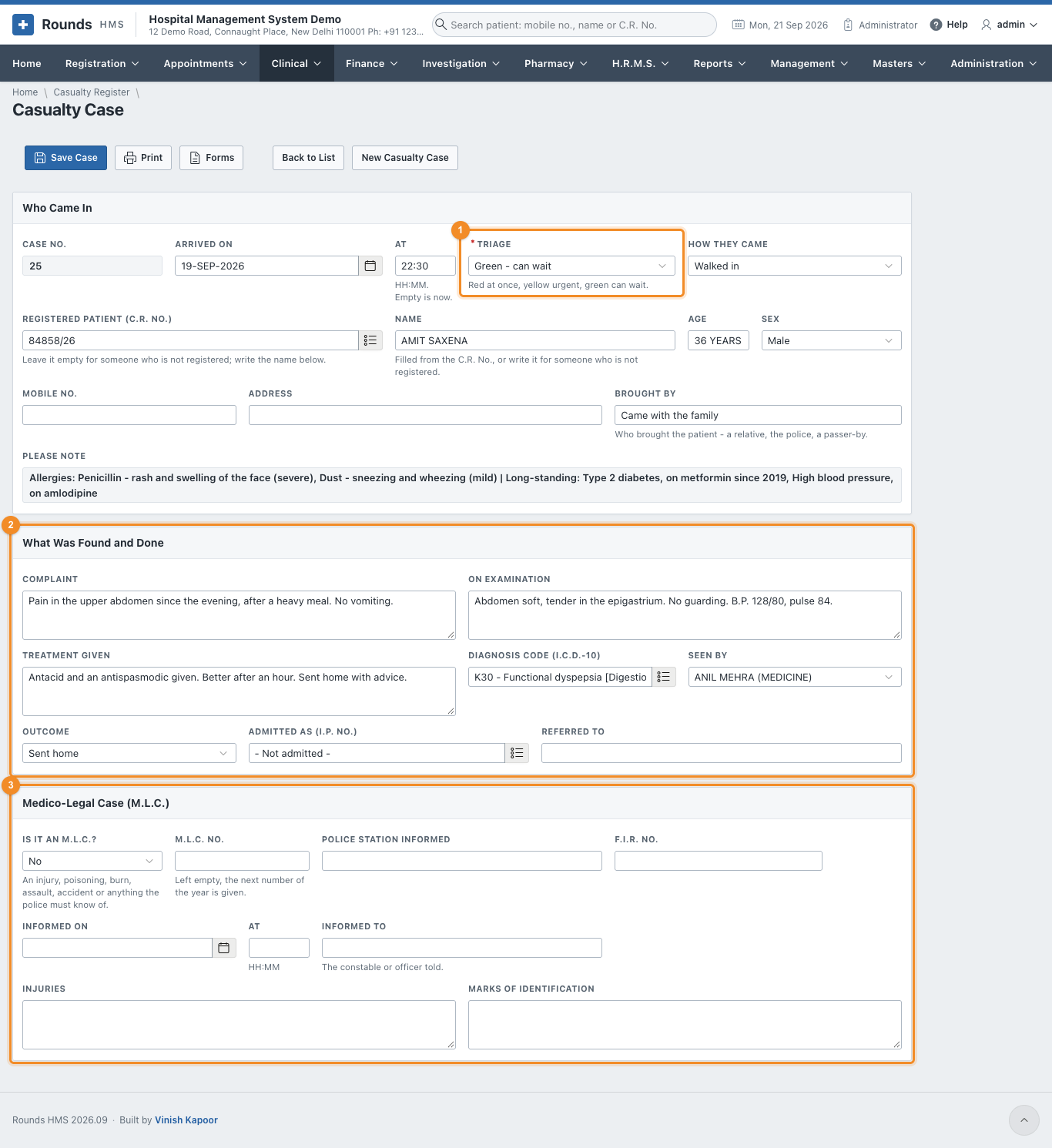
- Who Came In:
- Arrived On and At (empty is now);
- 1 Triage: red at once, yellow urgent, green can wait;
- How They Came: walking, ambulance, police ...
- a Registered Patient (C.R. No.), or, for someone not registered, the Name, Age, Sex, Mobile No. and Address;
- Brought By: a relative, the police, a passer-by.
- 2 What Was Found and Done:
- the Complaint, On Examination, Treatment Given, the Diagnosis Code and who saw the patient;
- Outcome: treated and sent home, admitted, referred, died. If admitted, give the I.P. No.; if referred, Referred To.
- 3 Medico-Legal Case (M.L.C.). For an injury, poisoning, burn, assault,
accident, or anything the police must know of, set Is It an M.L.C.? to Yes and fill in:
- M.L.C. No.: leave it empty for the next number of the year;
- Police Station Informed, F.I.R. No., Informed On / At and Informed To (the constable or officer told);
- Injuries and Marks of Identification.
- Click Save Case. Print prints the casualty sheet; Forms prints the M.L.C. intimation to the police (Consents and Forms).
The M.L.C. cases also appear in Reports > M.L.C. Register.