Selling Medicines
Medicine bills
Open Pharmacy > New Medicine Bill, or the New Medicine Bill tile on the Home page.
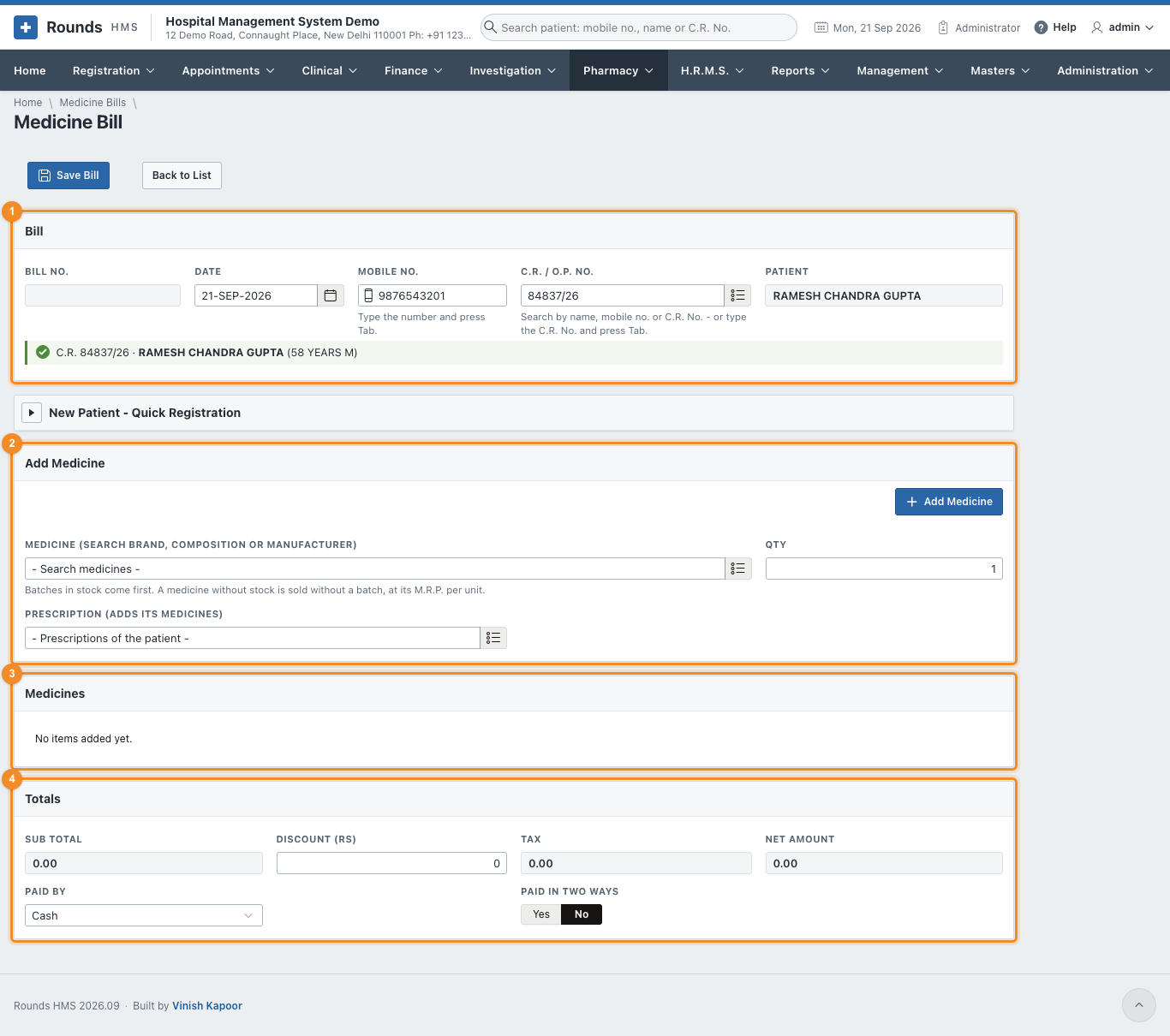
- 1 Bill:
- the Date;
- the patient by Mobile No. (press Tab) or C.R. / O.P. No.
- A walk-in can be registered in New Patient - Quick Registration.
- 2 Add Medicine:
- Medicine: search by the brand, the composition (e.g. paracetamol) or the manufacturer. Batches in stock come first, each with its expiry and M.R.P.;
- Qty, then Add Medicine;
- Prescription (adds its medicines): choose one of the patient's prescriptions to add all its medicines, in the quantities the doctor worked out.
- 3 Medicines lists the lines. The bin icon removes one.
- 4 Totals: the Sub Total, a Discount (Rs), the Tax and the Net Amount. Choose Paid By; UPI shows its QR code.
- Click Save Bill, then Print.
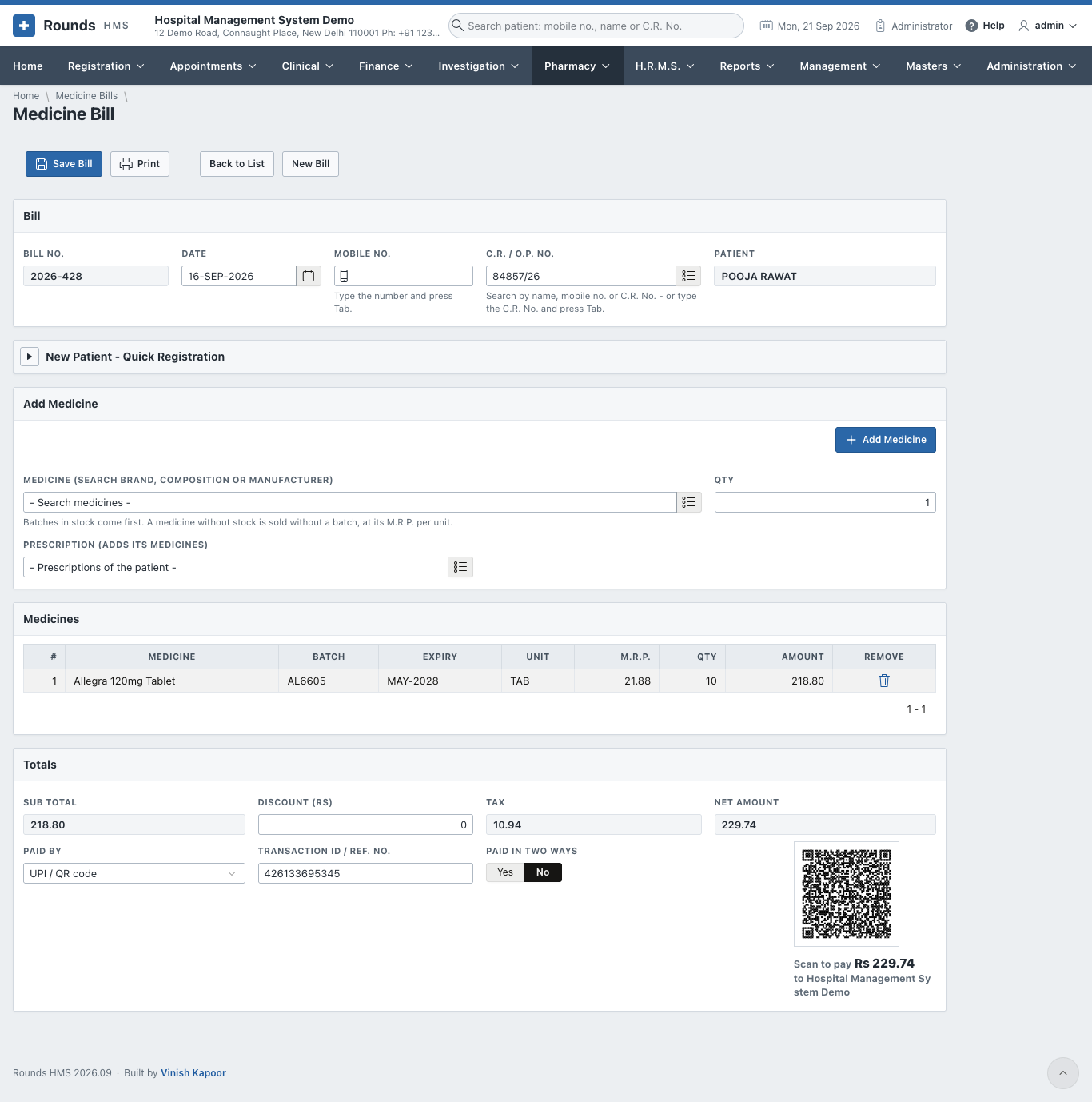
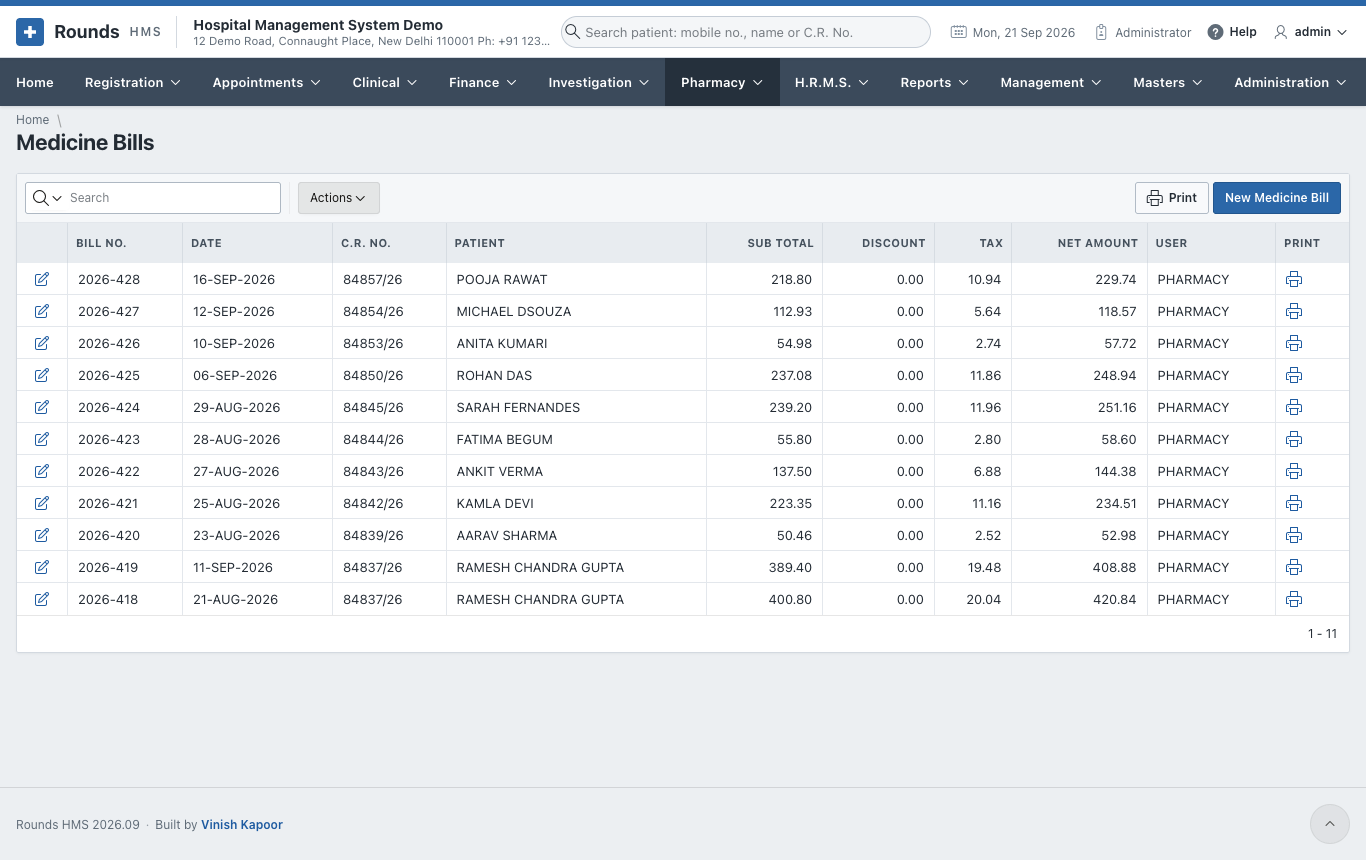
Pharmacy > Medicine Bills lists the bills:
Medicine returns
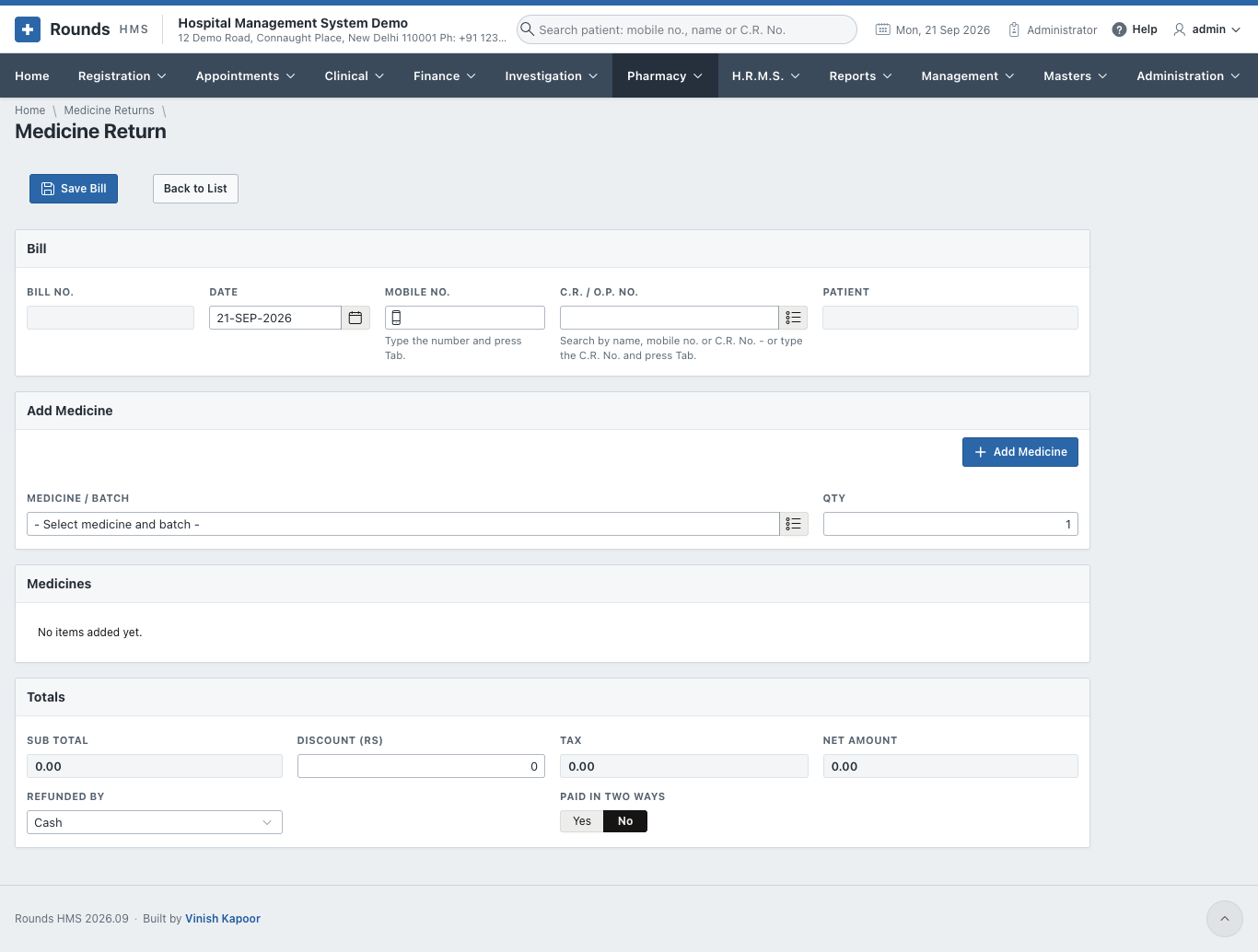
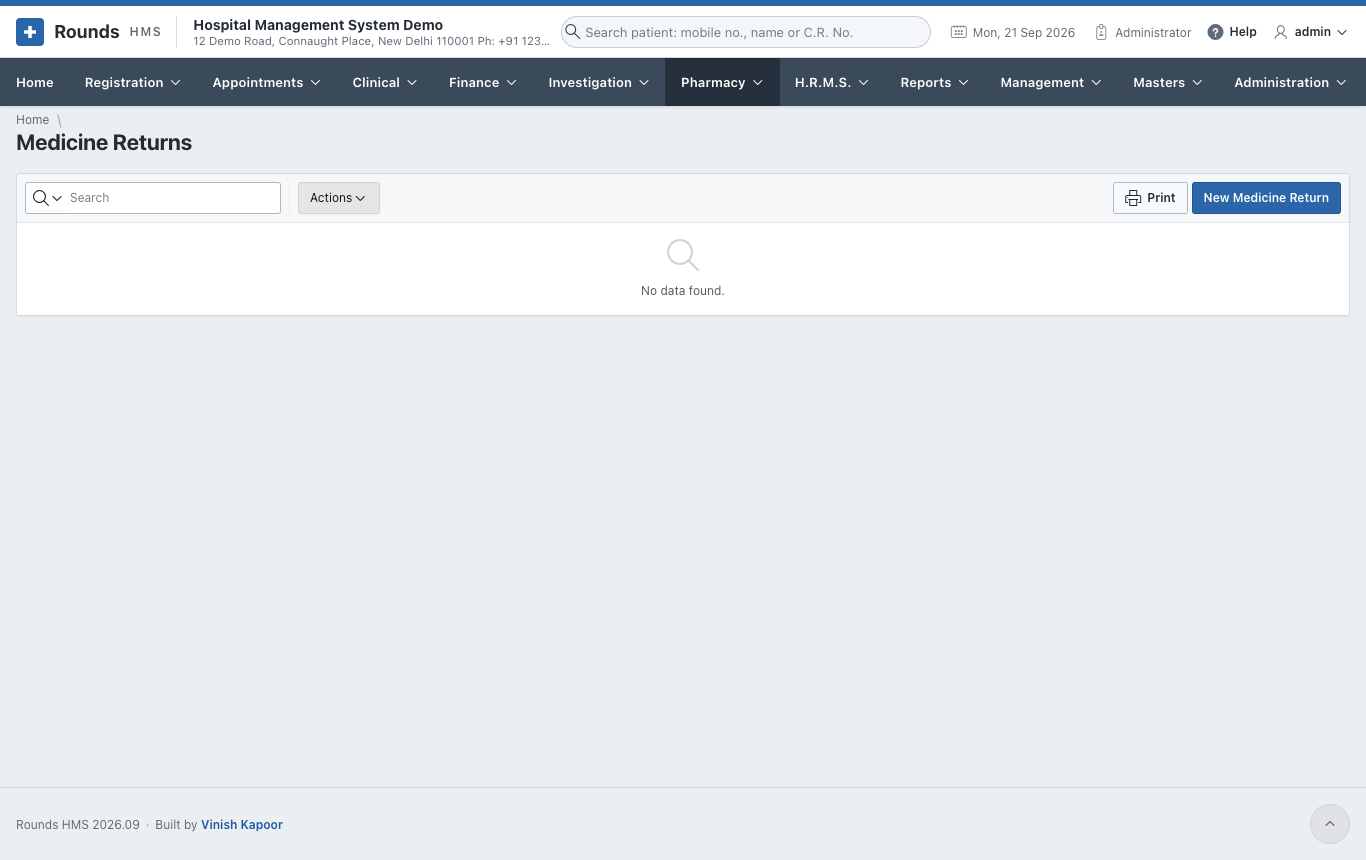
A patient brings back medicines they did not use. Open Pharmacy > Medicine Returns and New Medicine Return:
- The patient, as on a bill.
- Add Medicine: the medicine and batch returned, and the Qty.
- Refunded By: how the money is given back.
- Save Bill and Print. The medicines go back into the stock of their batch.